> For the complete documentation index, see [llms.txt](https://docs.jedidesk.com/llms.txt). Markdown versions of documentation pages are available by appending `.md` to page URLs; this page is available as [Markdown](https://docs.jedidesk.com/english/chatbots/getting-a-ready-made-chatbot-token-in-telegram.md).
# Getting a ready-made chatbot token in Telegram
Tutorial for getting an API token for integration with #jedidesk
The [@BotFather](https://t.me/botfather) bot must be launched from the account (phone number) on which your chatbot was created.
Enter the **/mybots** command and select the bot you need for integration from the list.
Click on the **API token** button:
System menu
***
Click on the API, it will be copied automatically:
The chatbot's unique API token
***
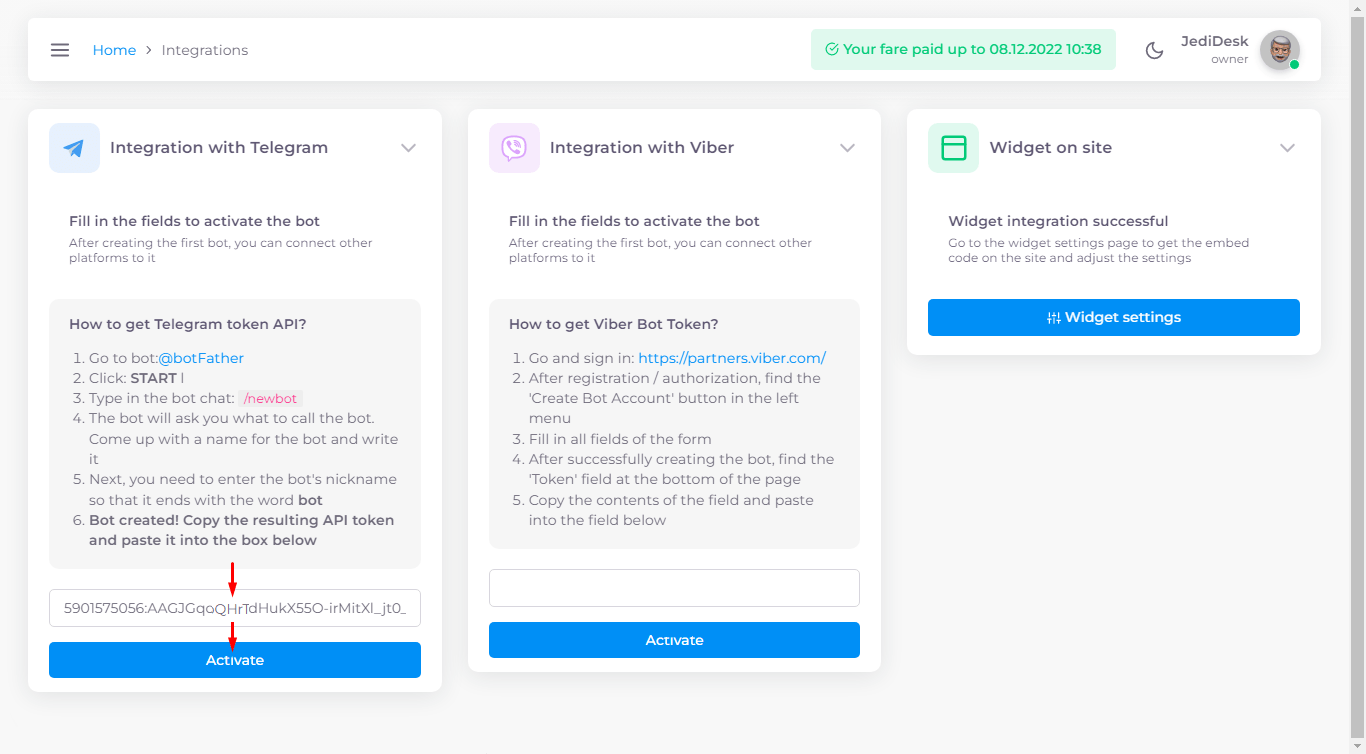
On the #jedidesk service, open the **Settings ->** [**Integrations**](https://app.jedidesk.com/integrations) tab, paste the copied API token and click **Activate**: